How to get in BIOS settings / Boot options of SONY VAIO F series/ Fit / E series in Win 8 Pre-installed
Guys,

This one post will tell you how to get in to the VAIO F Series BIOS settings.Usually F series comes with win 8 inbuilt.Since the Win 8 is integrated in the system ans for the fast booting, we wont be able to get in to the BIOS by using conventional functional keys(F1-F12) and also the Del , End keys wont help.This is how you want to do it.
Best of luck !
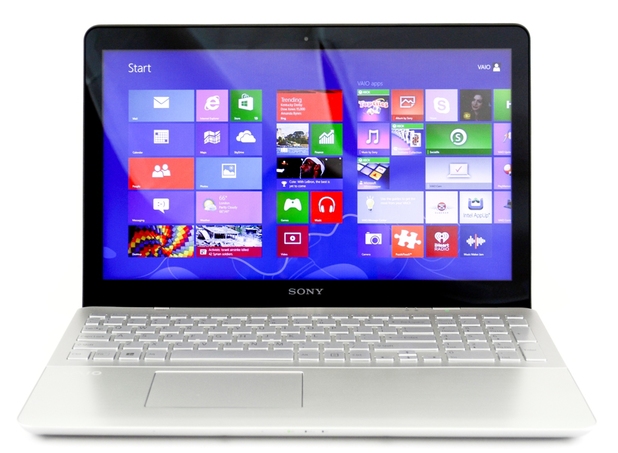
This one post will tell you how to get in to the VAIO F Series BIOS settings.Usually F series comes with win 8 inbuilt.Since the Win 8 is integrated in the system ans for the fast booting, we wont be able to get in to the BIOS by using conventional functional keys(F1-F12) and also the Del , End keys wont help.This is how you want to do it.
- Switch off your Laptop
- Press the Assist button placed at the top right corner near the power button.
- Wait for some seconds and you will get a menu.
- In that menu you will be able to select BIOS settings or Boot Settings and Backup options.
Best of luck !


Comments
Post a Comment